
01
Start without linking, keep your record
Start playing with a Player ID. Ranked play, friend matches, friends, and parties do not require linking an external account. Keep a private Transfer ID, or optionally link Game Center, to protect access to your record.
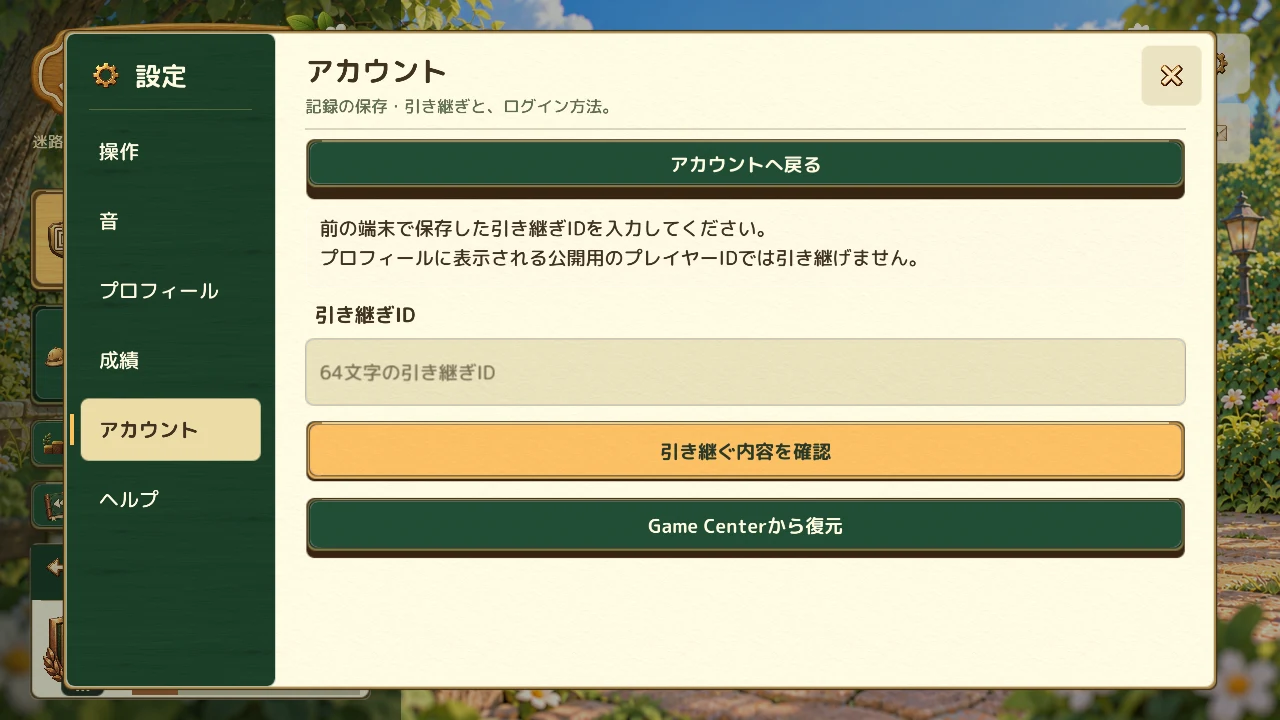
Your public player ID helps others find you, for example through friend searches. It serves a different purpose from the ID used to transfer your records.
02
Know which ID to use
- Player ID
- A public ID used for friend searches and similar features. This ID alone cannot transfer your records.
- Transfer ID
- A private ID used to transfer your records. Do not share it; keep it somewhere safe that only you can access.
If you delete the app without linking Game Center or keeping your Transfer ID, you cannot recover your record. Keep the Transfer ID safely or check your Game Center link in the account screen.
03
What transfers, and what stays on your device
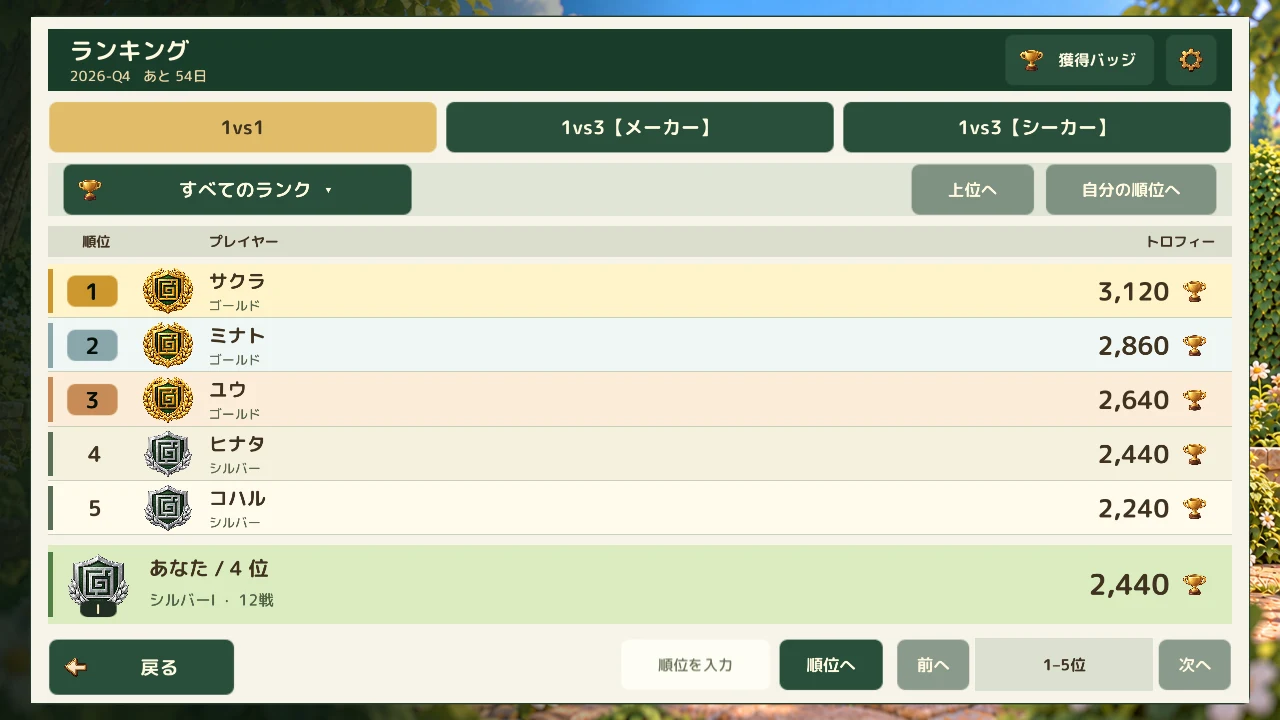
Ranked stats, seasonal match counts, badges, and inventory are among the records transferred. Afterward, you use those records on the new device and can no longer control them from the old one. They are not merged with a separate set of records already on the destination device.
For a record linked to Game Center, choose its restore option under “Transfer another record.” Device settings and locally saved replay files are not copied to another device. Check how to retain the record you want before switching.