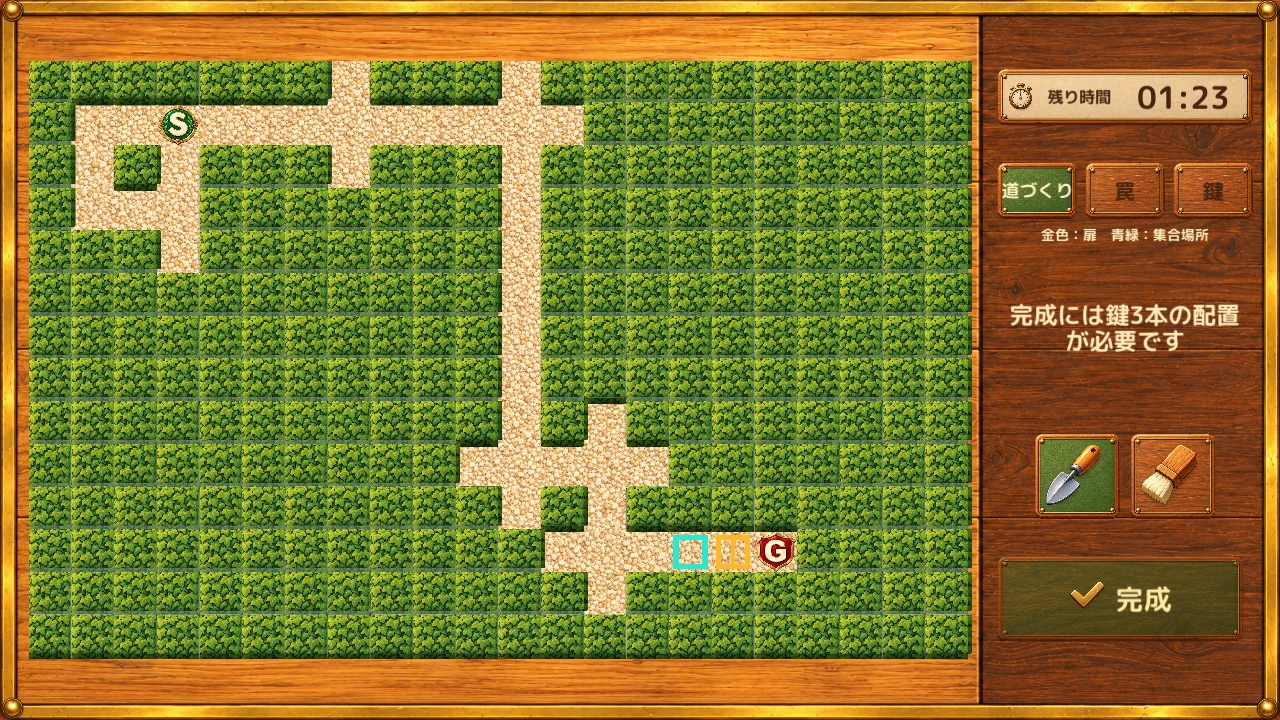
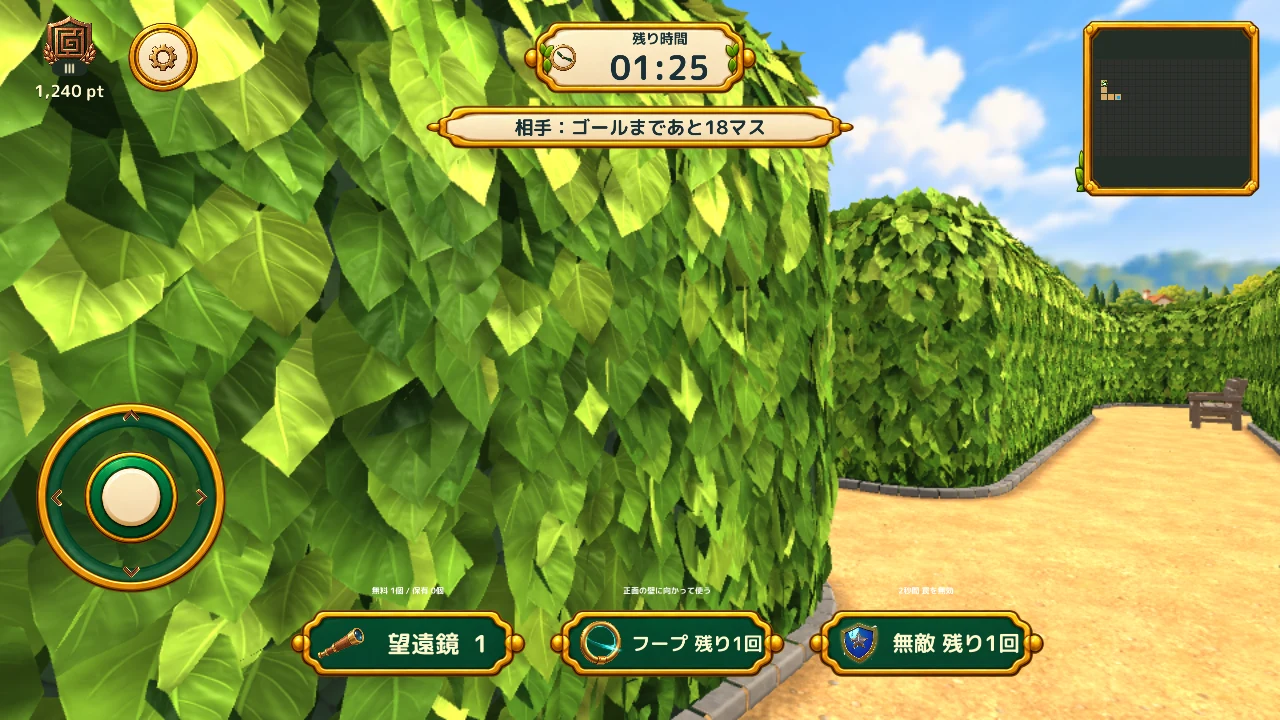
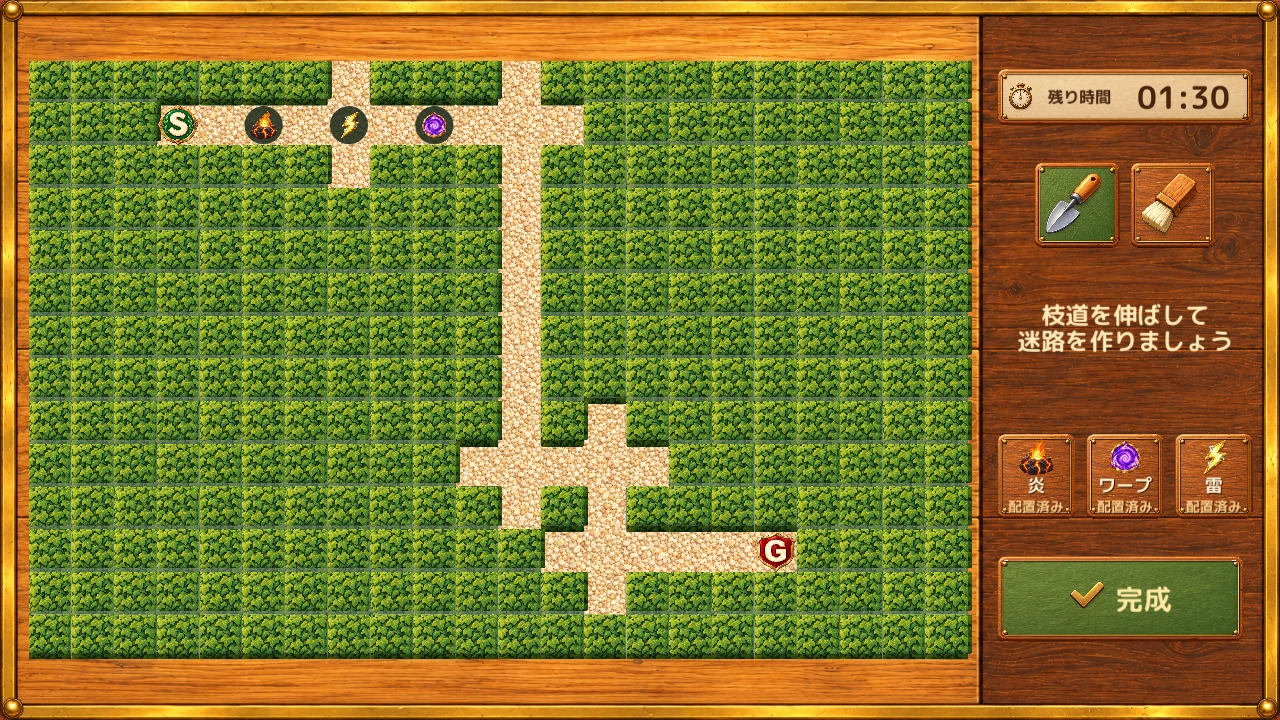
A screen from a build in development. Mazes, names, scores and inventory counts are examples.Select the image to enlarge it
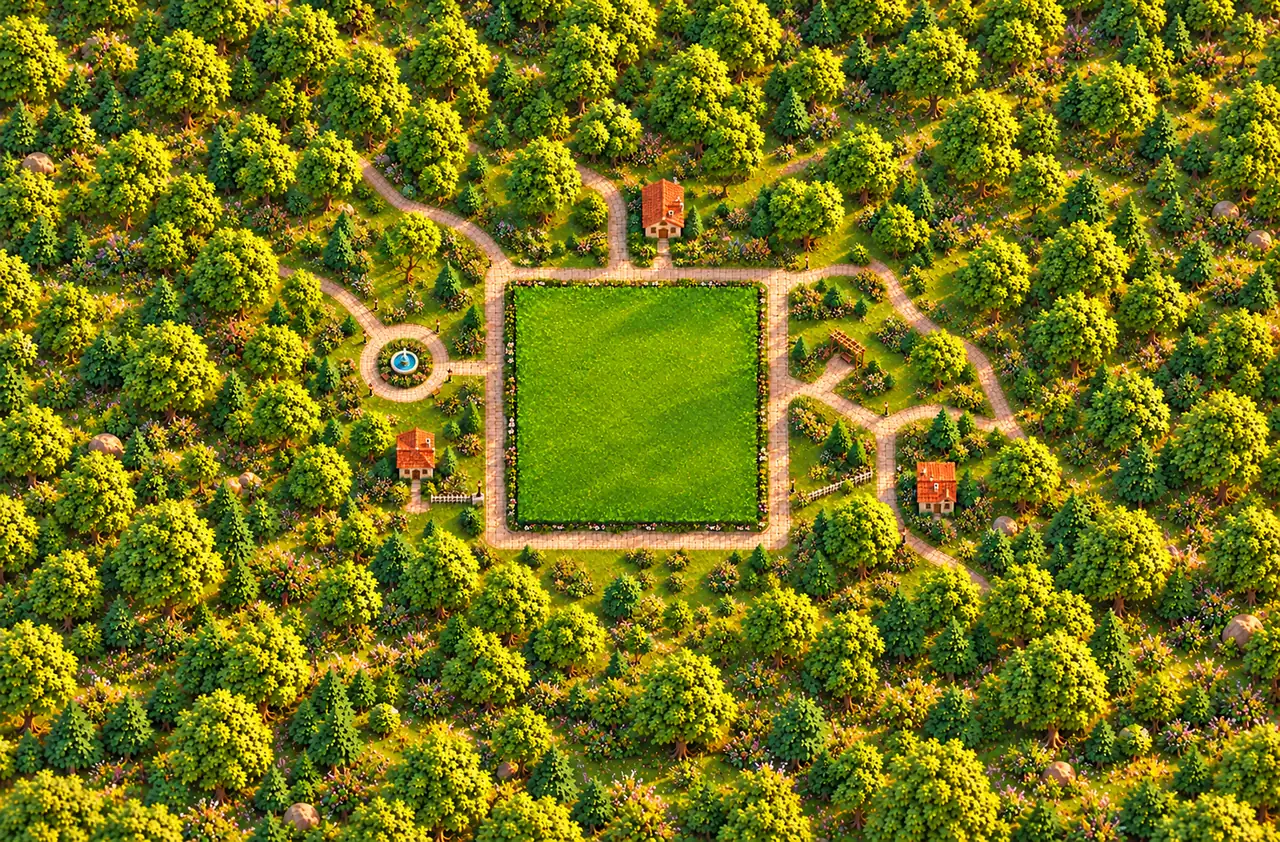
Backgrounds and characters: artwork adopted for the game
See it in motion
Demo of switching views, whole and follow cameras and playback speed. Screens from a build in development. Plays without sound.
01
Review from three perspectives
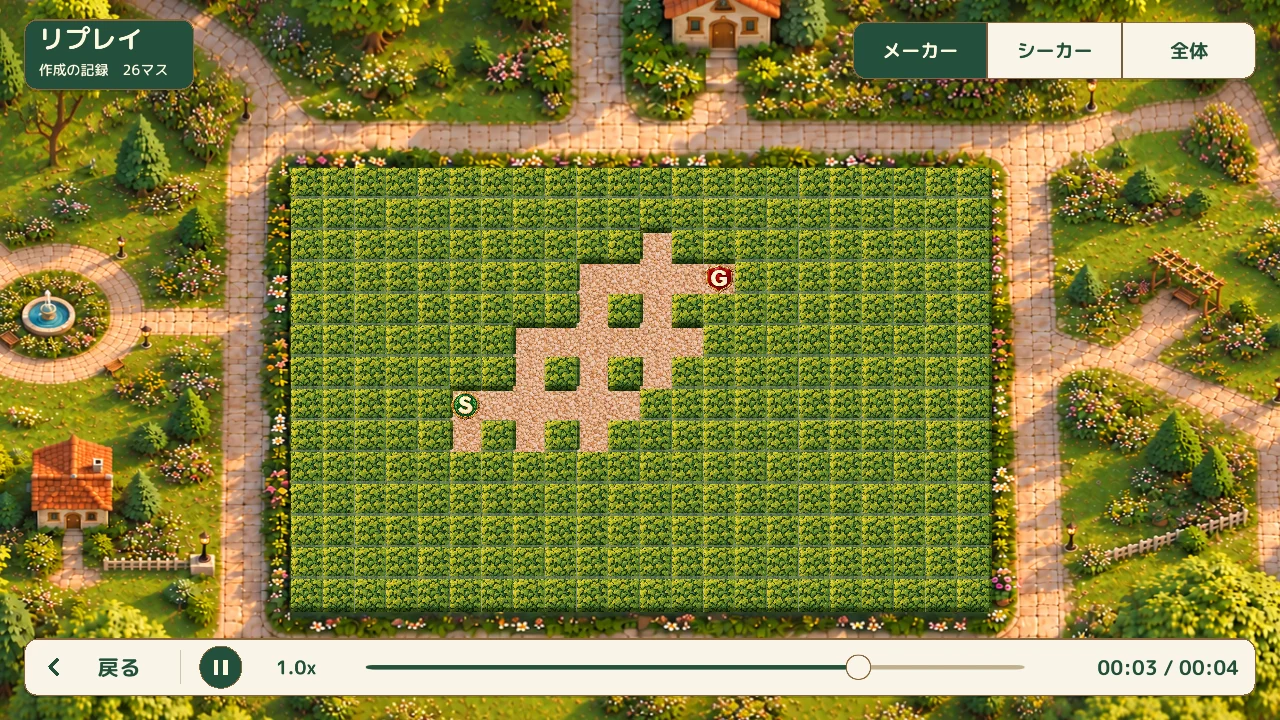
Maker
Look back at how paths and traps were put together.
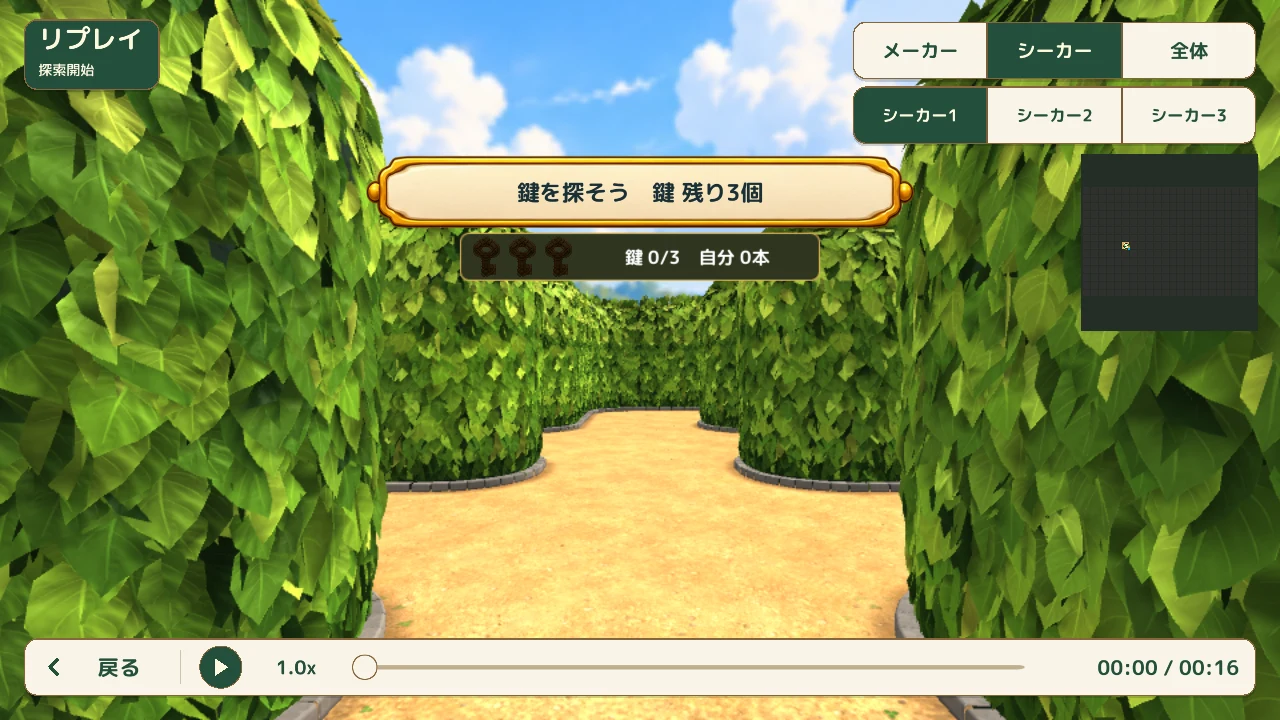
Seeker
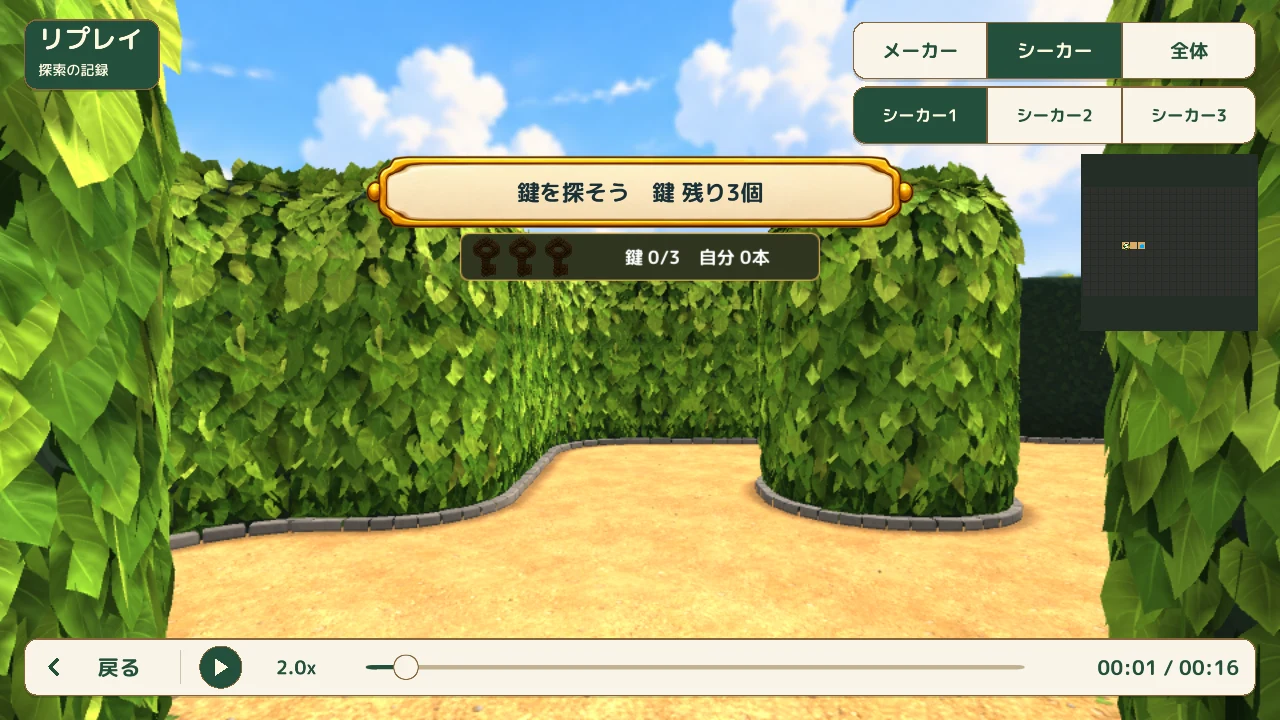
Revisit exploration from that player's perspective. In 1v3, you can choose which Seeker to watch.
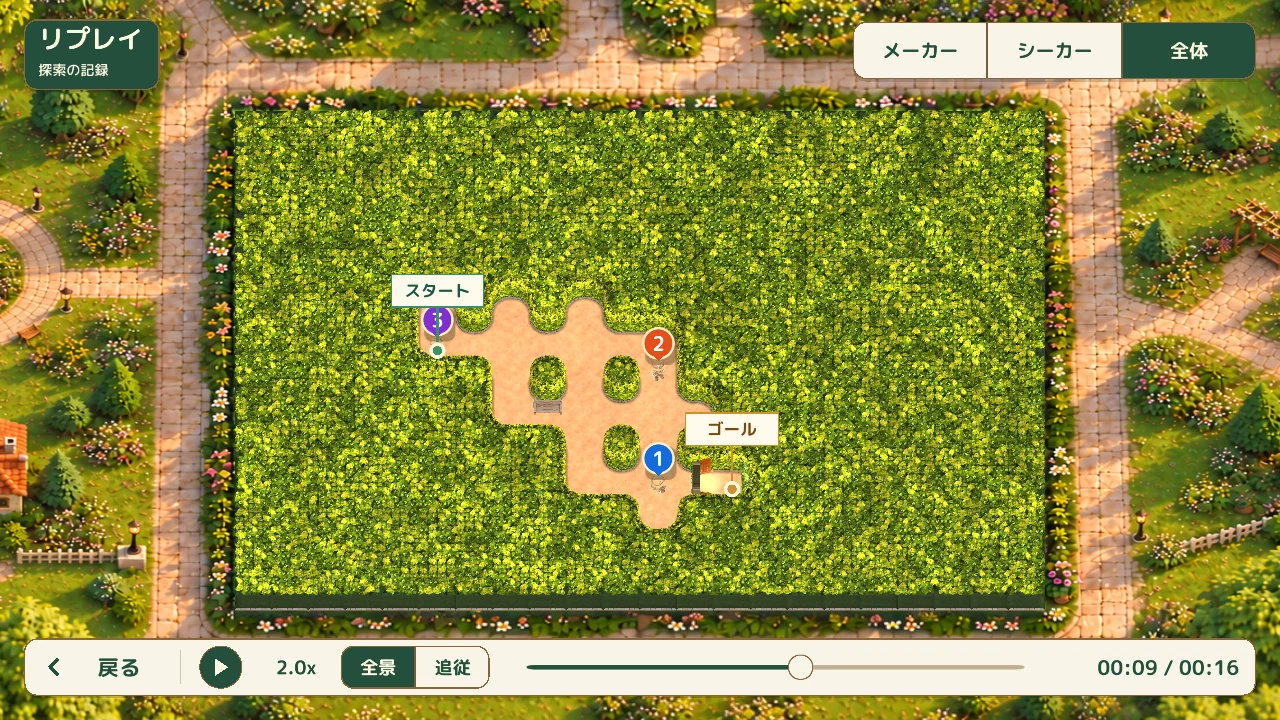
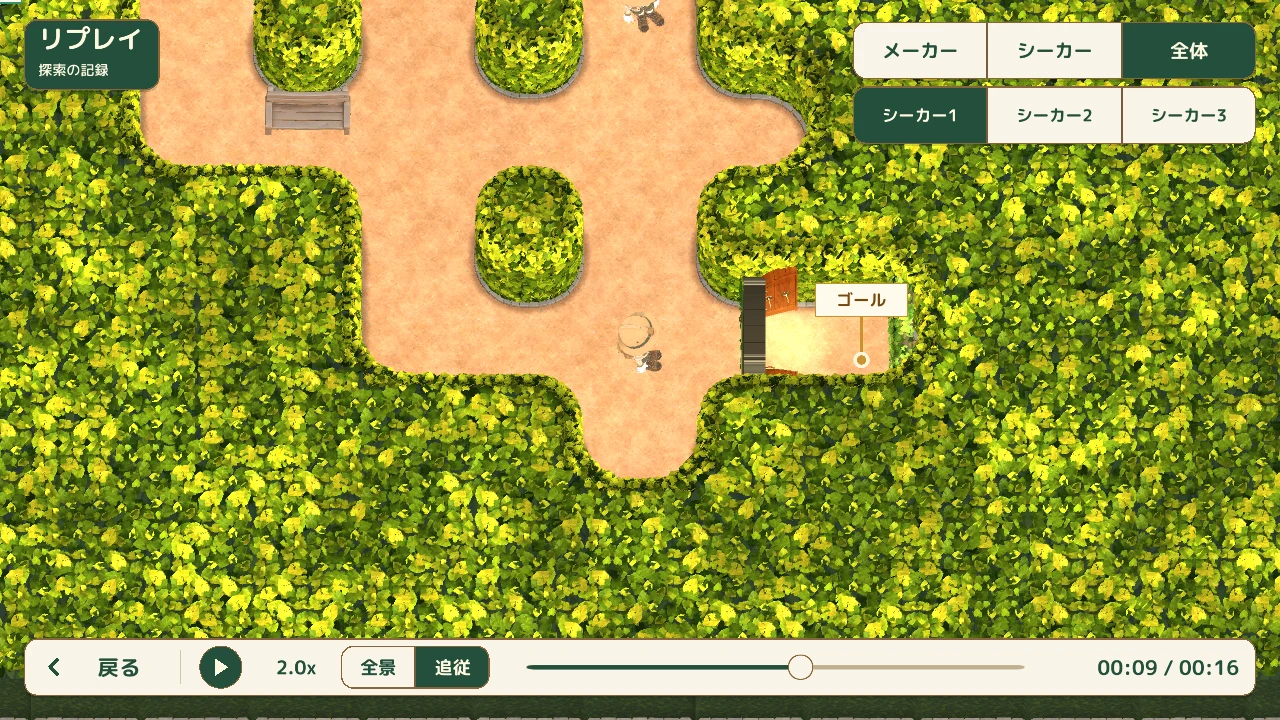
Whole maze
Switch between a whole-maze view and a follow camera that moves closer to the selected Seeker. Look down on the explorers and retrace their routes.
A screen from a build in development. Mazes, names, scores and inventory counts are examples.Select the image to enlarge itA screen from a build in development. Mazes, names, scores and inventory counts are examples.Select the image to enlarge itA screen from a build in development. Mazes, names, scores and inventory counts are examples.Select the image to enlarge itA screen from a build in development. Mazes, names, scores and inventory counts are examples.Select the image to enlarge it
02
Watch at your own pace
Play or pause, and watch at 0.5x, 1x, or 2x speed. Use the timeline to revisit a moment and check a choice of path or the final steps to the goal as often as you like.
In the Seeker view, you can drag to look around even while paused. Take your time to see what was visible beyond a corner.
A screen from a build in development. Mazes, names, scores and inventory counts are examples.Select the image to enlarge it
03
Review match events and results
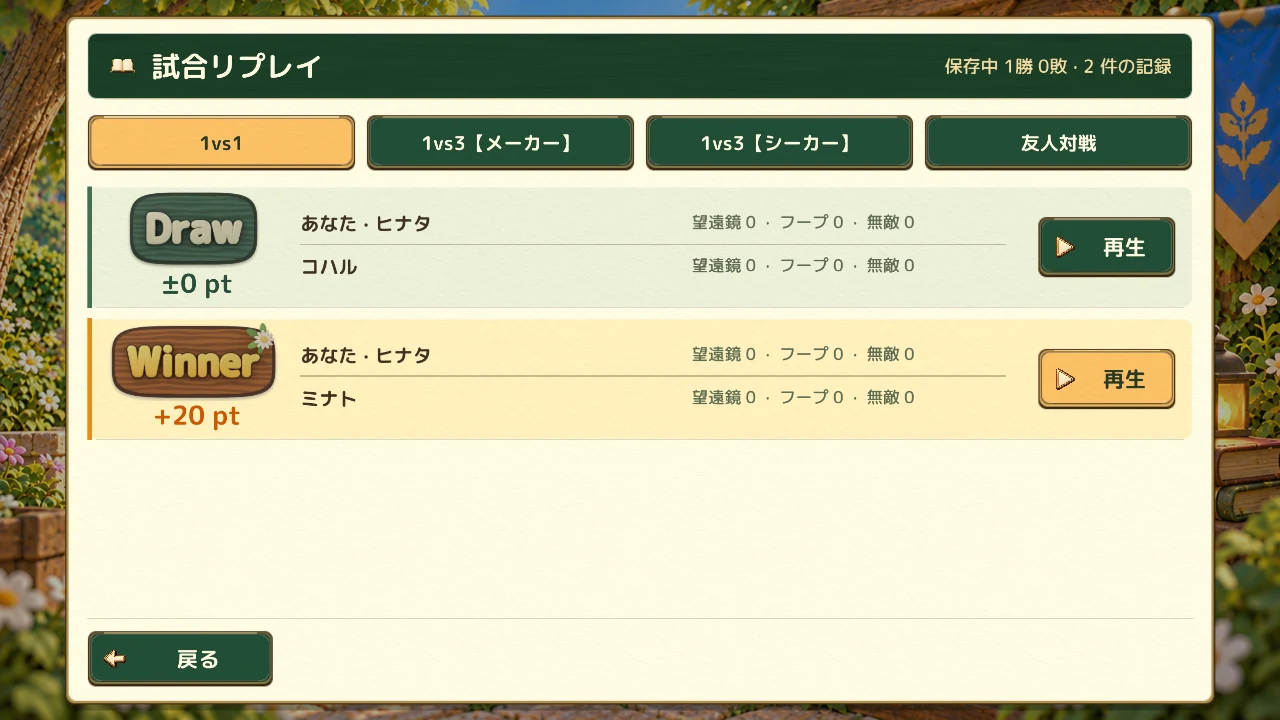
Review trap placement and activation, warps, Hoop use, keys, and the opening of the door. The list shows the result, trophy change, participants, and item usage, with further match information in Details.
Unavailable information is shown separately from a confirmed zero. Older matches may offer different views or recorded events.