See it in motion
01
Walk and look around
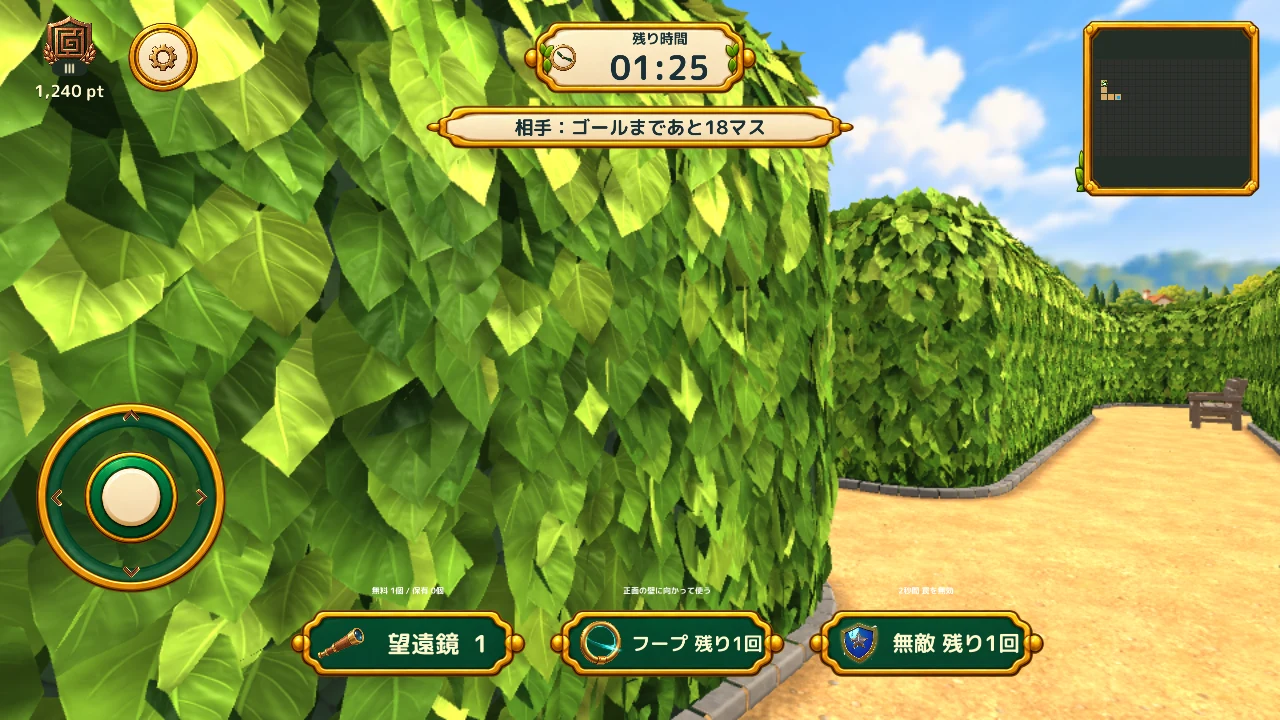
Move with the stick on the left, and drag the opposite side of the screen to look up, down, and around. Stop along a path, walk diagonally, or turn alongside a wall. Explore the hedges at your own pace, checking branches and dead ends as you go.
Connect the scenery in front of you with your memory of the last turn to find a route to the goal.
02
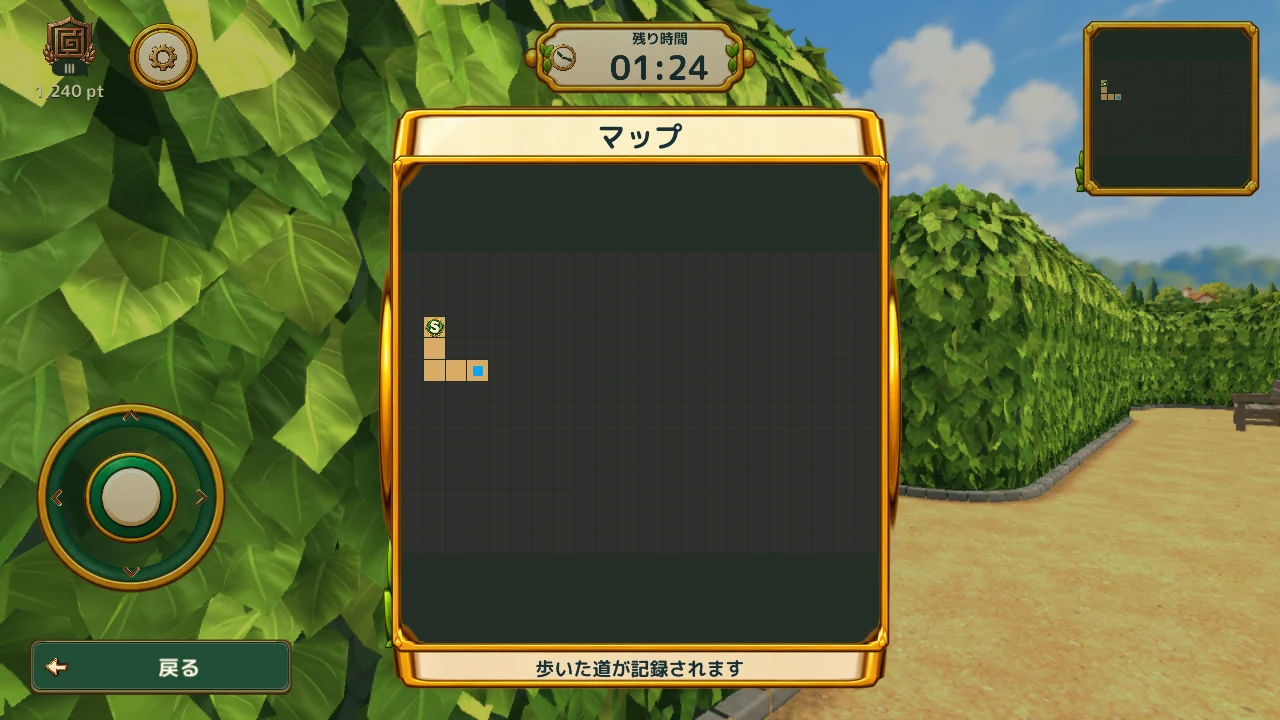
Trace your journey on the map
The minimap and expanded map let you review what you have explored. Moving through the maze reveals more of its layout, so checking what lies beyond a junction helps you decide where to go next.
In 1v3, three Seekers share their exploration records and search for three keys. One person can carry several keys; the key display and markers above teammates show who holds them. Once all three are found and the door appears, the key holders gather in front of it to unlock the way out.
Preset messages such as “Found a key!” and “Gather at the door!” help you coordinate. Choose three of the eight messages in Settings.
03
A higher view from the bench
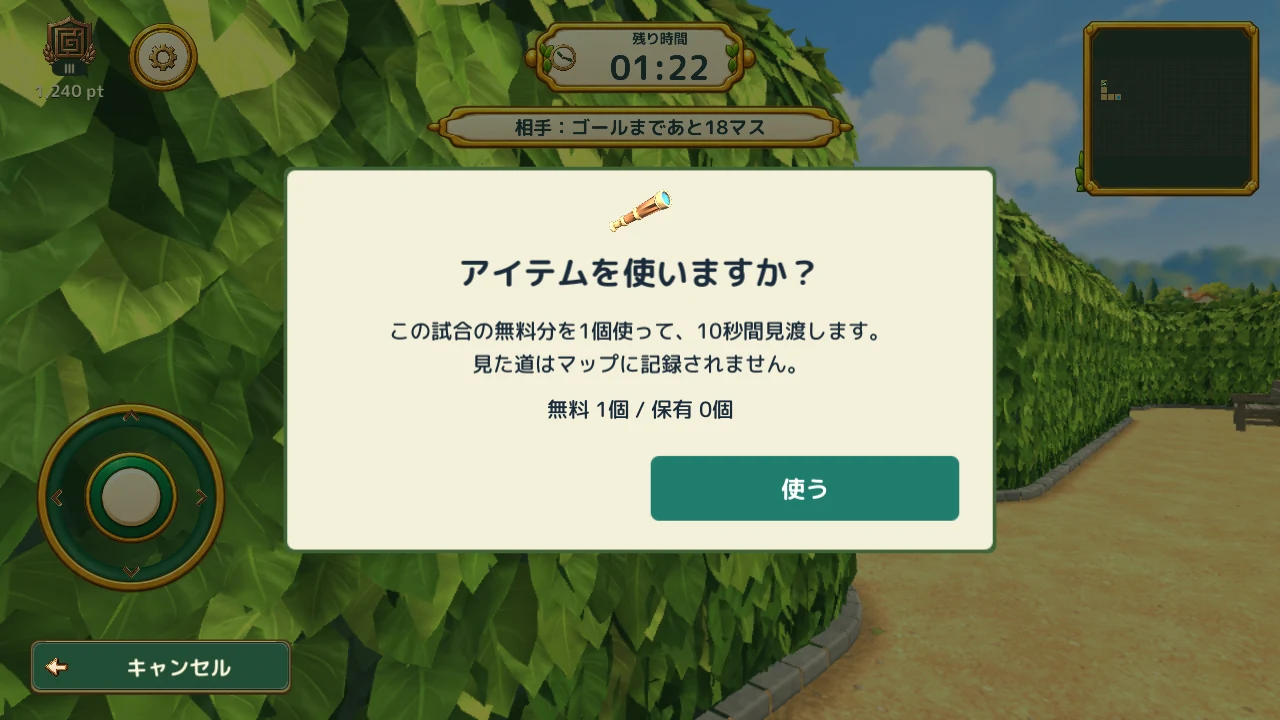
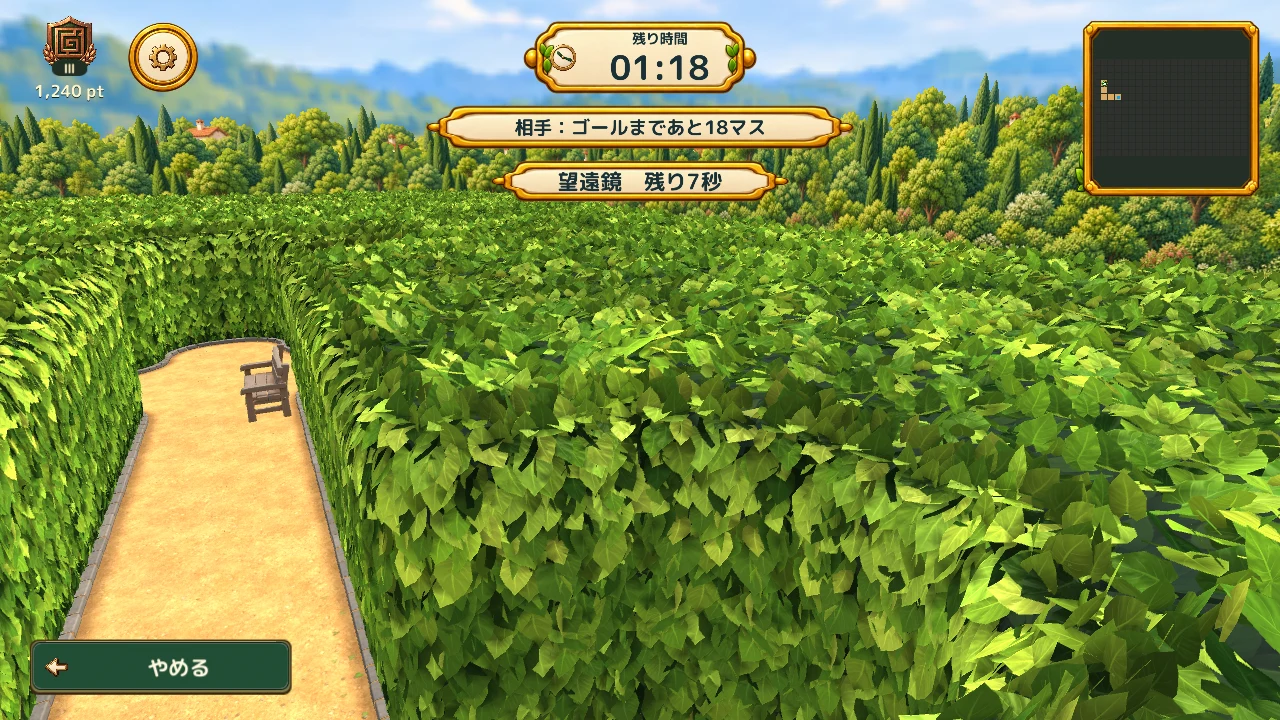
The telescope is used in 1 vs 1. With uses left, stand near a bench to view the garden from high above for 10 seconds. Check the layout from over the hedges and use that different view for your next step.
Looking over the maze does not automatically record every unvisited path on the map. Combine what you see with the record of where you have actually walked.