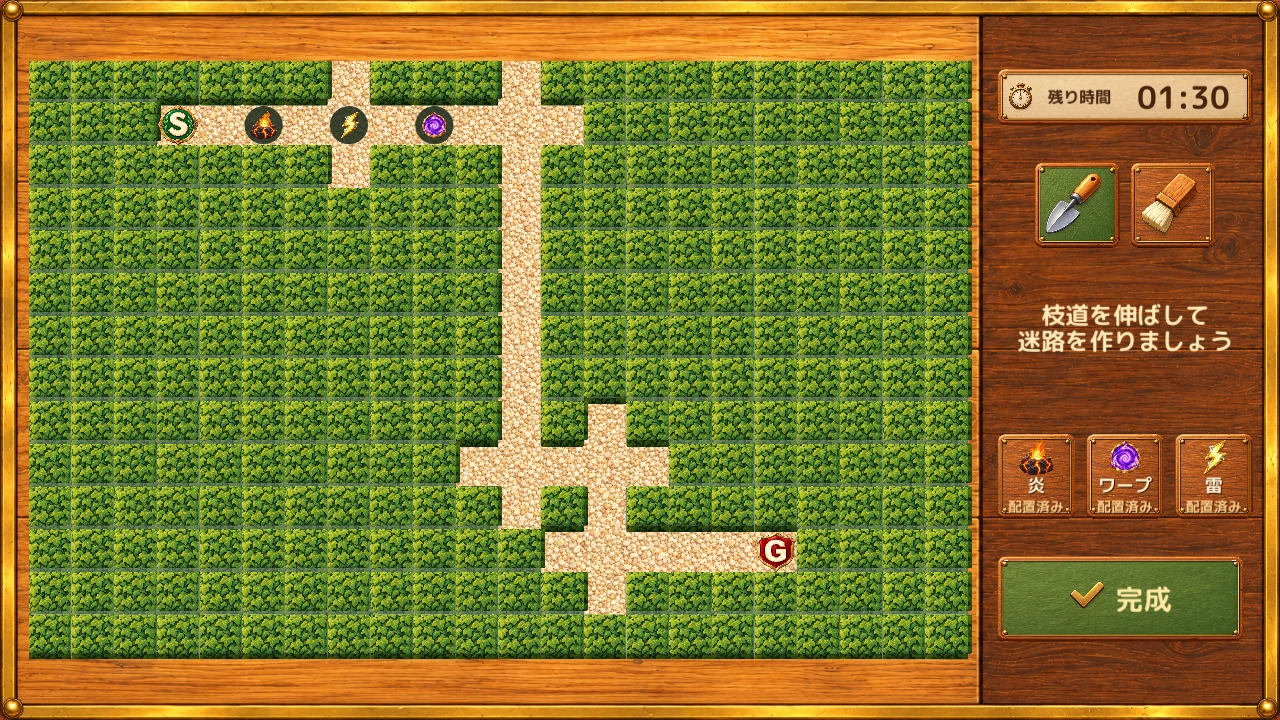

See it in motion
01
Three kinds of traps, placed on paths
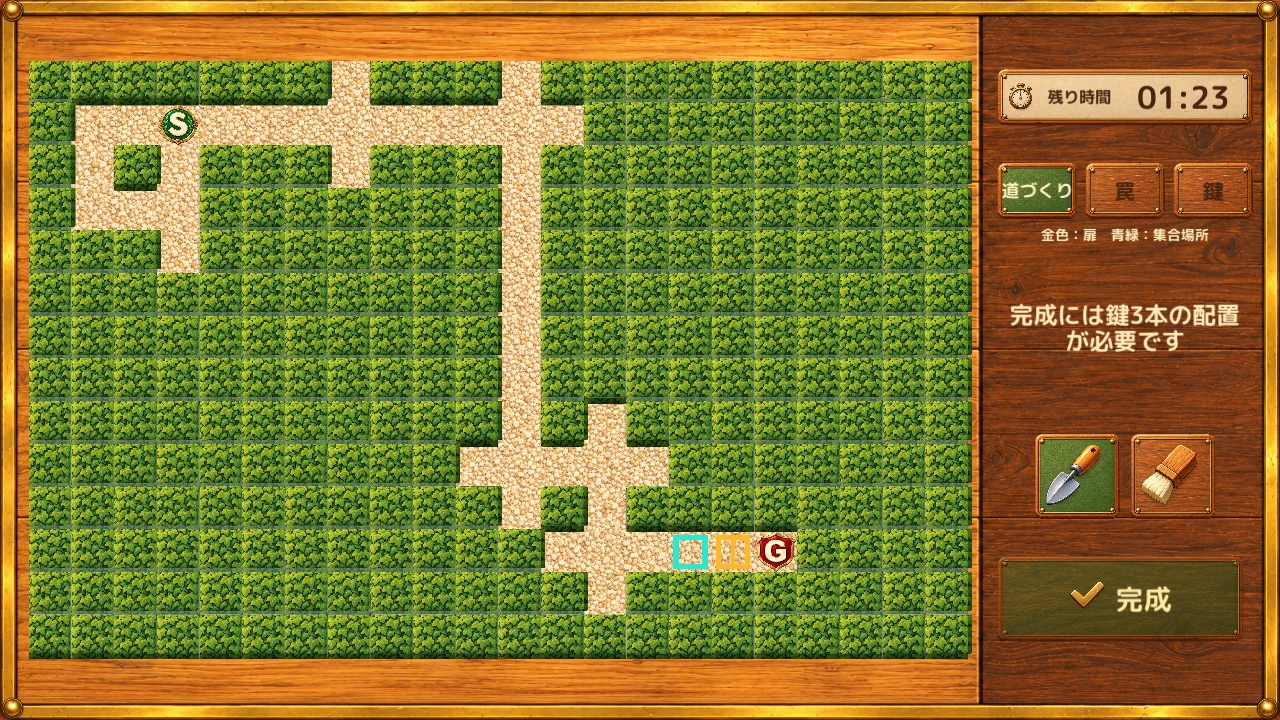
The Maker can place one fire, one lightning, and one warp trap. Each must be on a path, with one trap per cell and none on the start or goal. When someone steps on a trap, its effect applies to Seekers in that maze: the player who triggered it in 1v1, or the exploration team in 1v3.
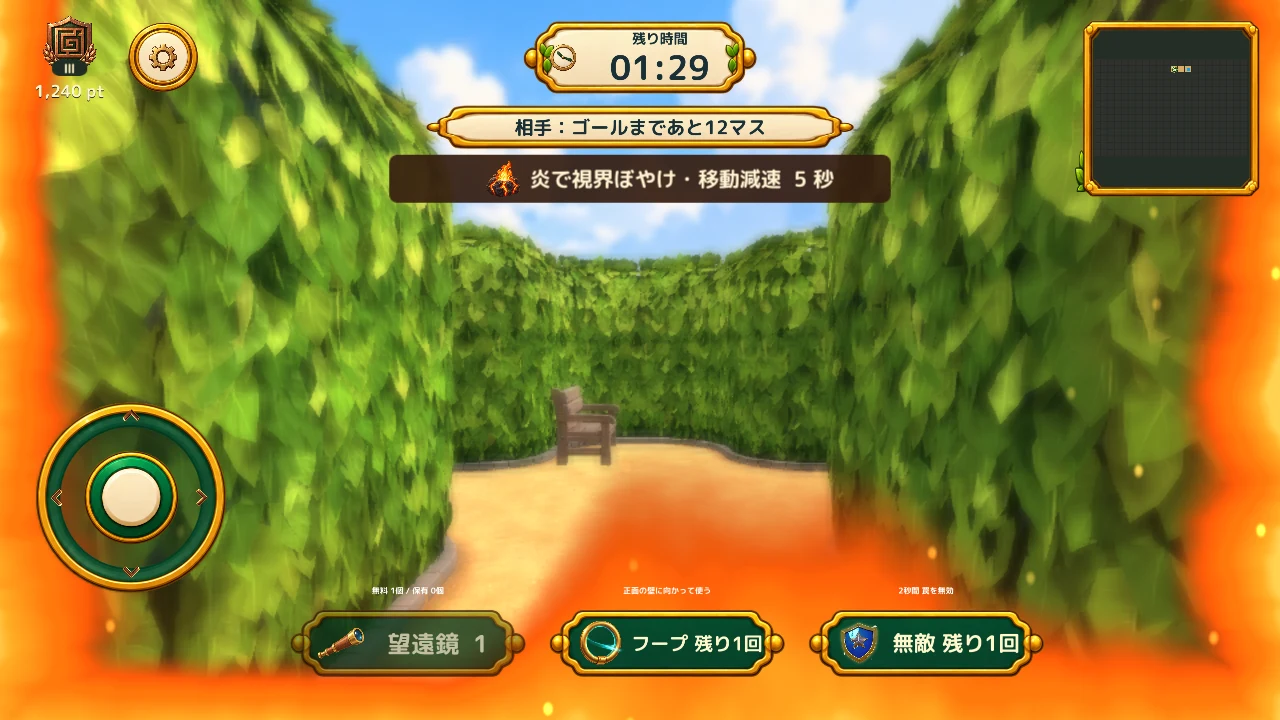
- Fire
- For 5 seconds, the view blurs and movement speed is halved. A gentle fire effect appears around the screen edges.
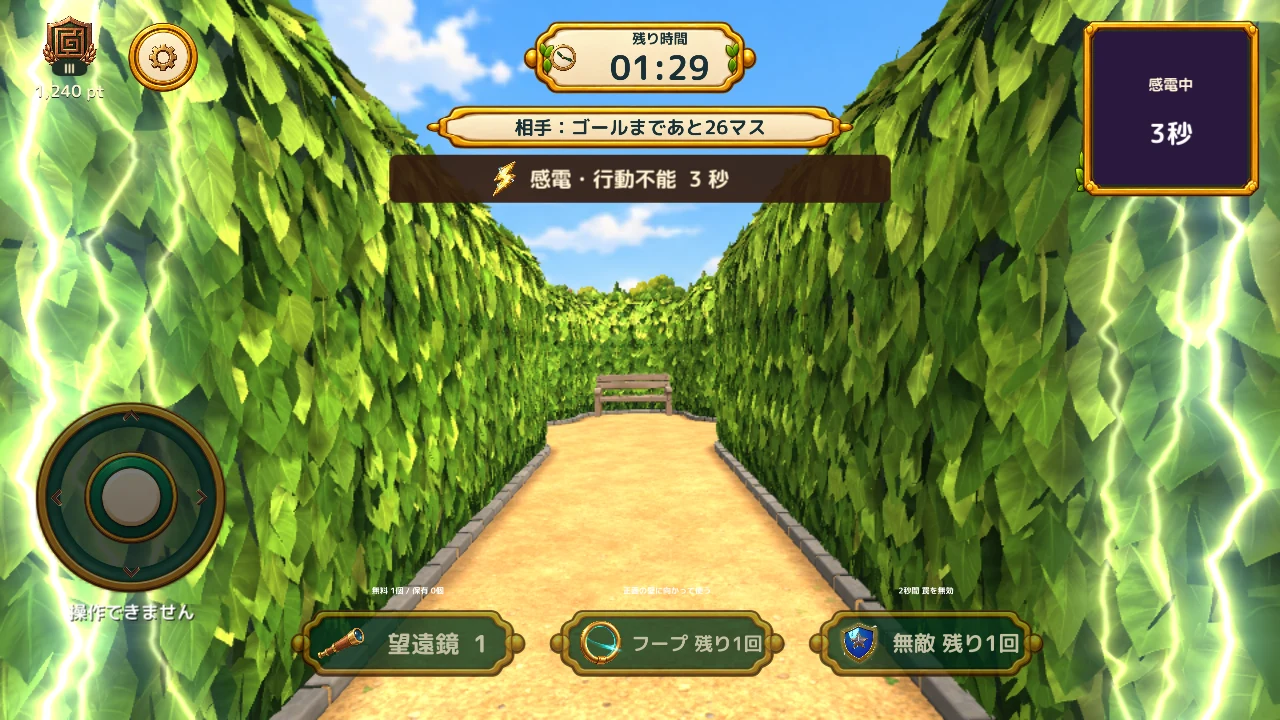
- Lightning
- For 3 seconds, movement, looking around, map controls, and starting a new telescope use are disabled.
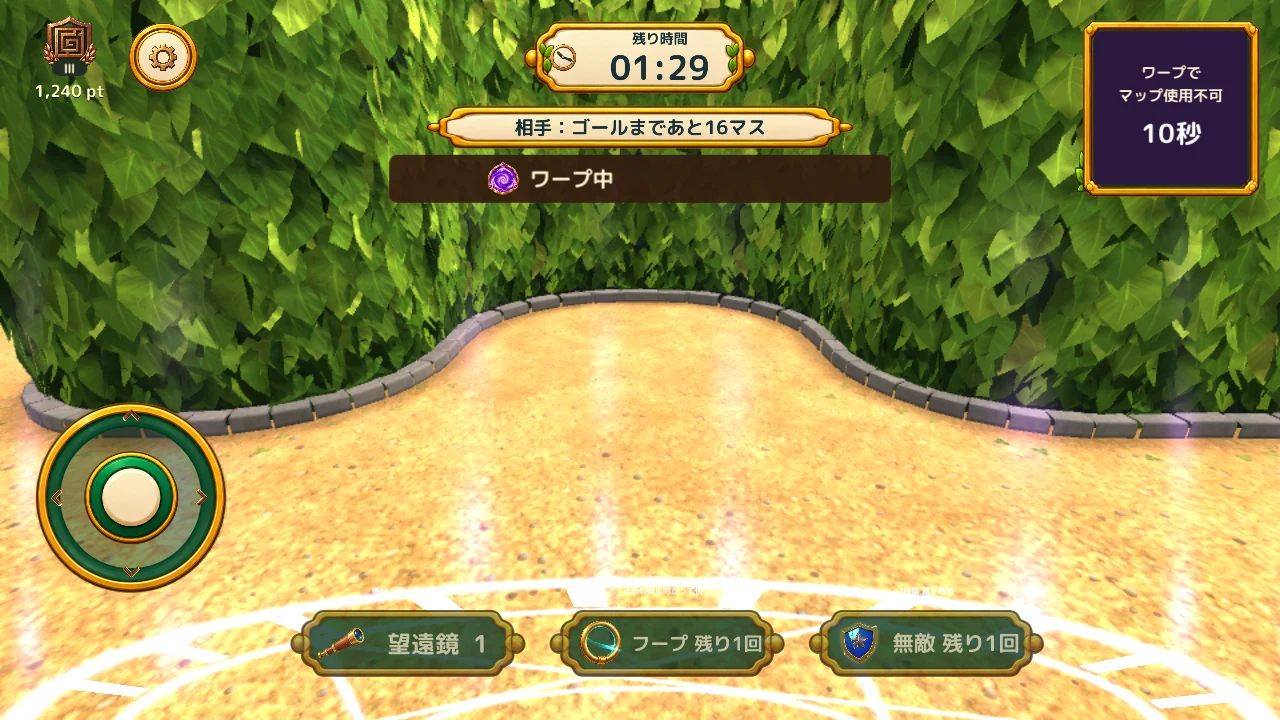
- Warp
- Moves you to another corridor and disables the map for 10 seconds. It will not send you to the goal or a cell with a remaining trap.
Invincibility protects you from new trap effects for two seconds and can be used once per match. A trap stepped on during protection is spent. It does not remove an existing fire effect, so timing matters.
Screens and videos are from a build in development. The text explains each item's effect and when you can use it.
02
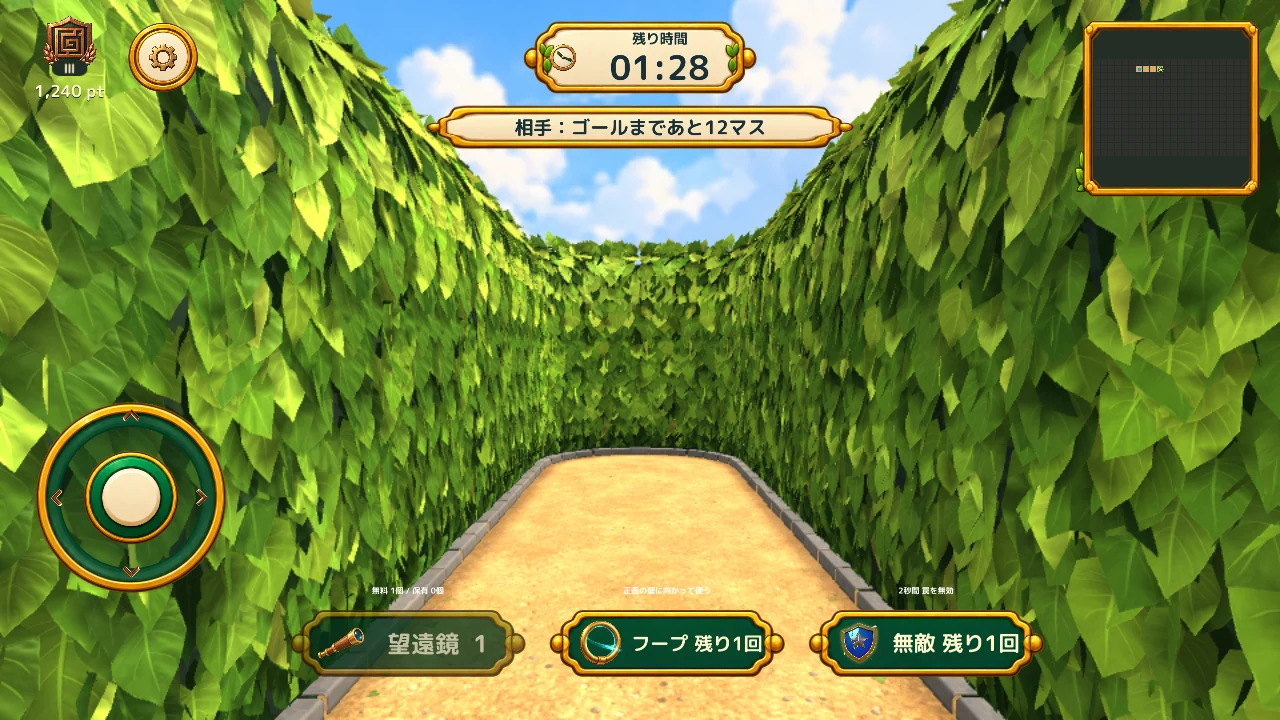
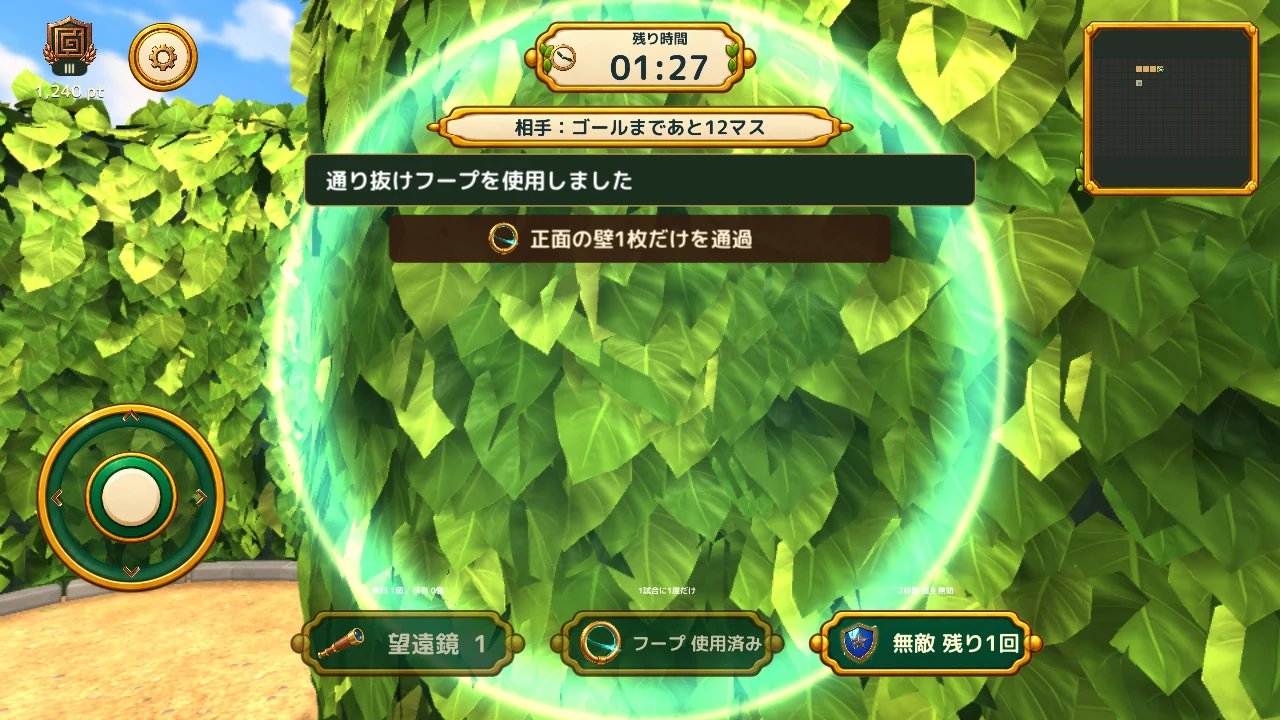
Cross the hedge wall in front of you
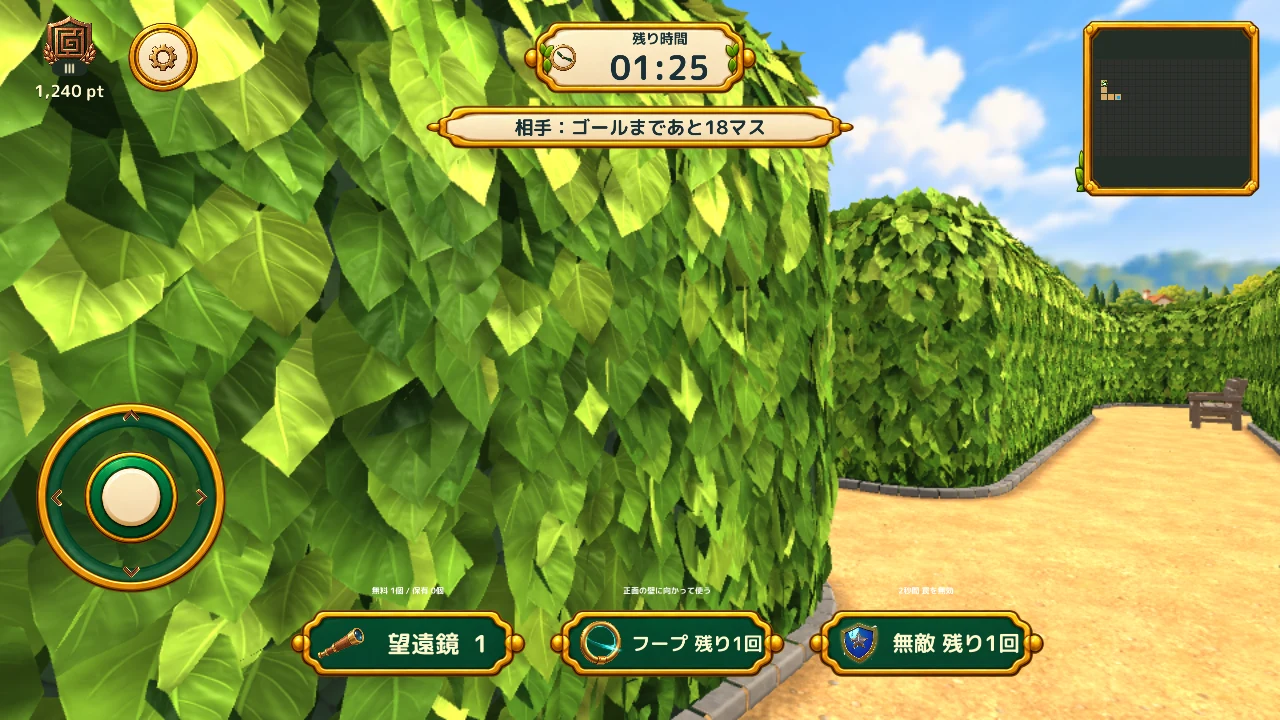
The Hoop takes you across one hedge-wall cell directly in front of you when pressed. It can be used when conditions are met, such as landing on a path, at most once per match. You cannot land directly on the goal, and a failed crossing does not consume the item.
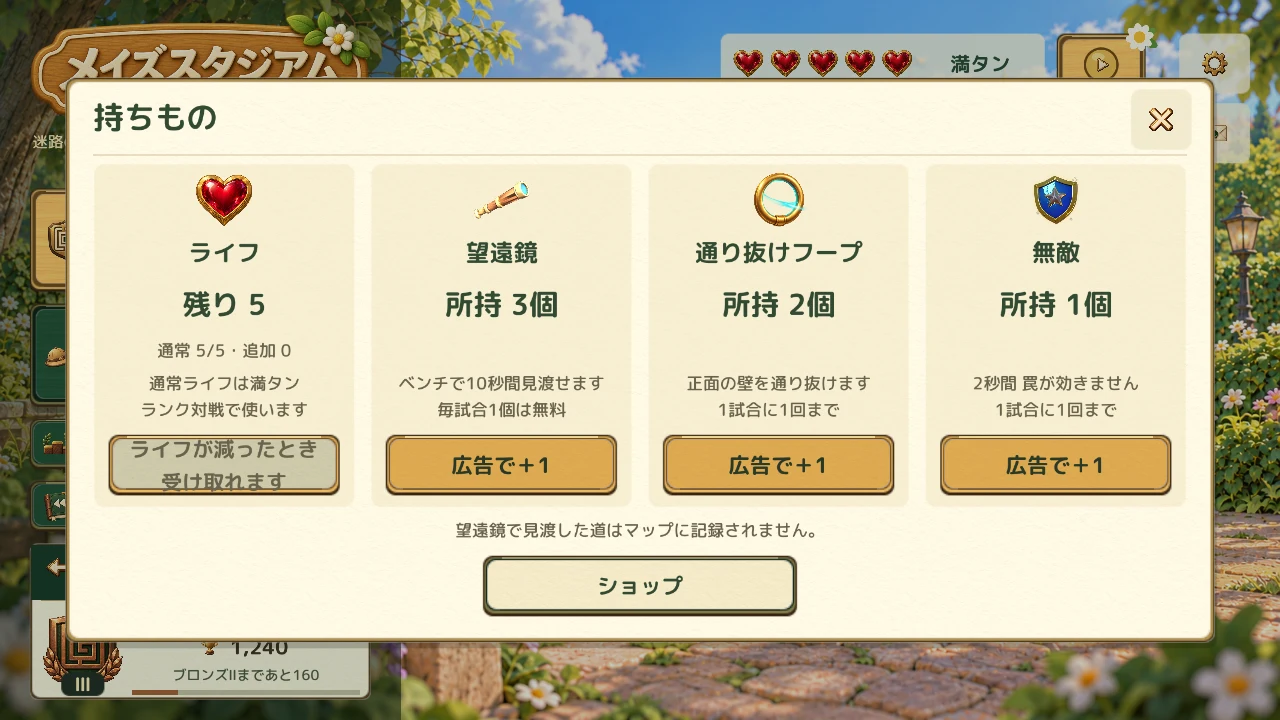
Check your Telescope, Hoop, and Invincibility inventory in the lobby. Choose the right tool for the maze and your opponent’s traps.
03
Viewpoints and maps become part of the strategy
In current new matches, the telescope is available in 1v1. If you have a use remaining, a bench telescope gives you a view from above for 10 seconds. In 1v3, the Maker can use Map Blindfold to hide one opponent’s map for five seconds. The affected player can still move and look around.
Map Blind starts with three uses when exploration begins. Combine maze design, traps, and timing to confuse your opponents.
04
Life and tools for your next match
Starting a ranked match uses one life. Regular lives recover by one every 60 minutes, up to five. Friend matches do not use lives.
When regular lives are below five, you can choose to watch an ad to add one. Ads also offer a way to receive items. Viewing starts only when you choose it.
The shop offers item packs and a monthly pass. The pass renews automatically each month, gives unlimited ranked-match lives during its active period, and grants 10 of each of the three items on purchase and renewal. Check the details and price shown in the app before buying.