
01
Be first to finish your opponent’s maze
In a one-on-one match, both players build a maze and then exchange them. Your opponent explores yours, and you explore theirs. The first to reach the goal wins.
The maze builder is called the maker; the player looking for the exit is the seeker. In one-on-one play, you take both roles: maker first, then seeker.
02
Choose a match in the lobby
Open “ランク対戦” (Ranked match) in the lobby and choose “1 対 1” (One-on-one). Select “マッチングを開始” (Start matchmaking) to find an opponent, then follow the on-screen instructions.
To play with friends, choose “友人対戦” (Play with friends). One person creates a room, and the others join using its invitation code.
Read how to play with friends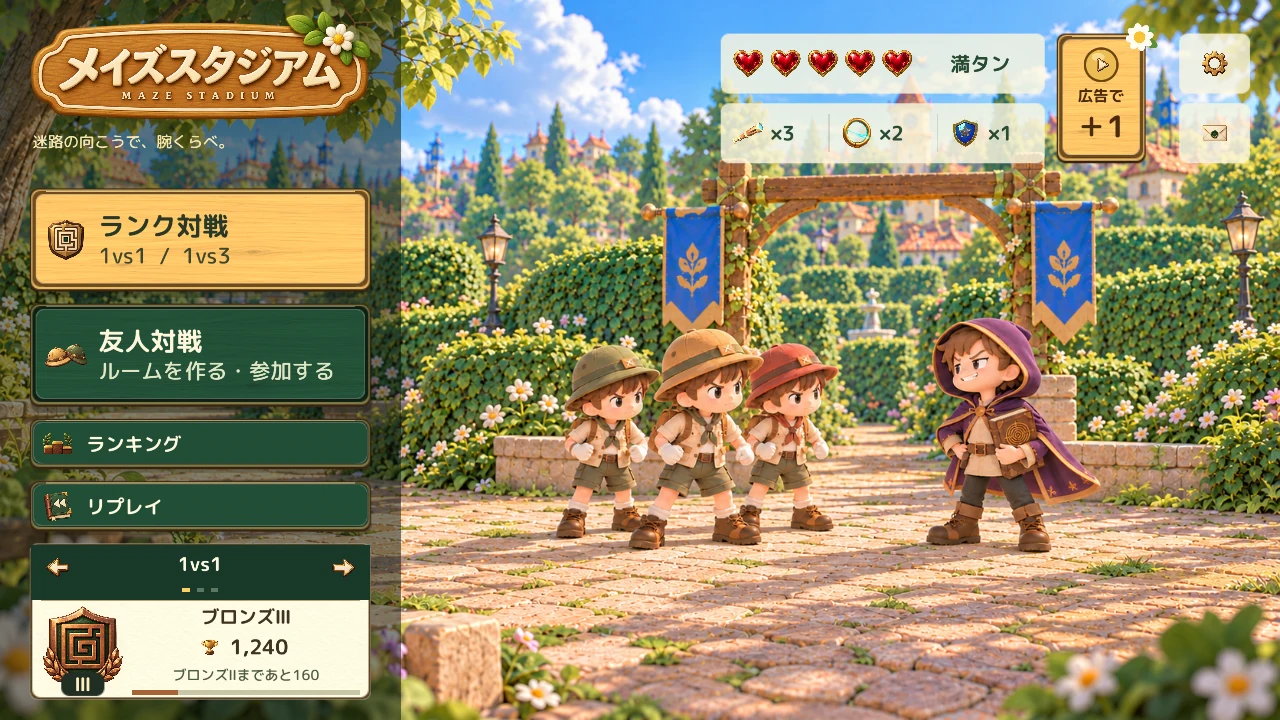
03
Try drawing one branch
You have 90 seconds to build. Start with the connected route from start to goal. Trace a branch outward from an existing path with one finger, then lift your finger to confirm it.
Select “消しゴム” (Eraser) and trace paths you added to remove them. Choose “道をつくる” (Draw paths) to draw again. The original route is protected. Pinch to zoom and use two fingers to pan.
Once comfortable, select “炎” (Fire), “雷” (Lightning) or “ワープ” (Warp), then tap a path and lift your finger to place a trap. Select “配置を終了” (Finish placing) to return to drawing. A single branch is enough for your first maze.
Press “完成” (Done), or wait for building time to end, to move on to the maze exchange. Follow the on-screen instructions while your opponent gets ready.
Read more about drawing and erasing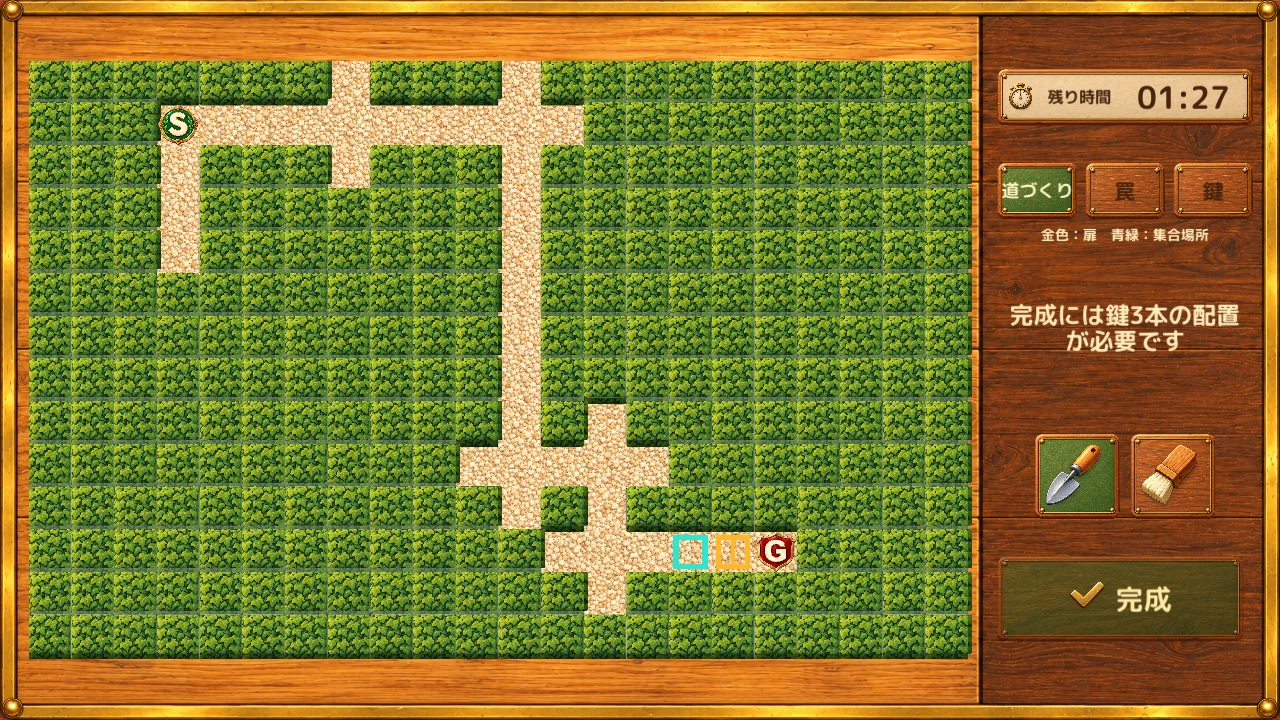
04
Walk, look around and check your route
After exchanging mazes, it is your turn as seeker. Move forward a little, then try turning at a junction.
- Move: left stick
- Move the stick on the left toward the direction you want to travel.
- Look: right side of the screen
- Drag on the right side of the screen to change where you are looking.
Turn at a junction → head back if it is a dead end → check the paths you have walked on the map. Repeat to find a route you have not explored yet.
Tap the mini-map at the top right to open the expanded map. Tap “戻る” (Back) or outside the map to close it. Check the paths you have walked, return to the last junction and try another branch.
Read more about the map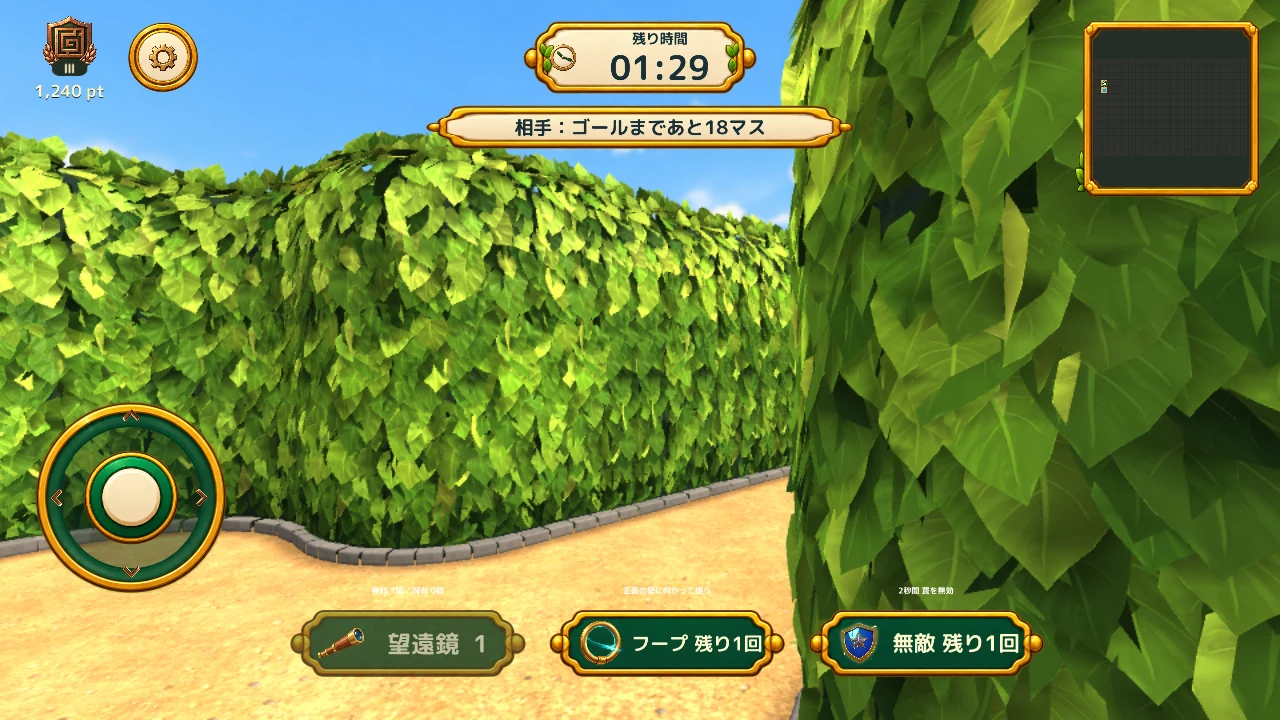
05
Learn from the result
In one-on-one play, the first to reach the goal wins. If neither player finishes within 90 seconds of exploration, the match goes into overtime for up to 180 seconds. A simultaneous finish, or no winner by the limit, is a draw.
The result screen shows the outcome and points gained or lost. Select “リプレイを見る” (Watch replay) to review the match. Saved matches also let you inspect junctions in the overview or follow a player’s movements.
Look back at the junction that confused you, or see how your opponent explored your branches. It can give you an idea to try next time.
Read how to use Replay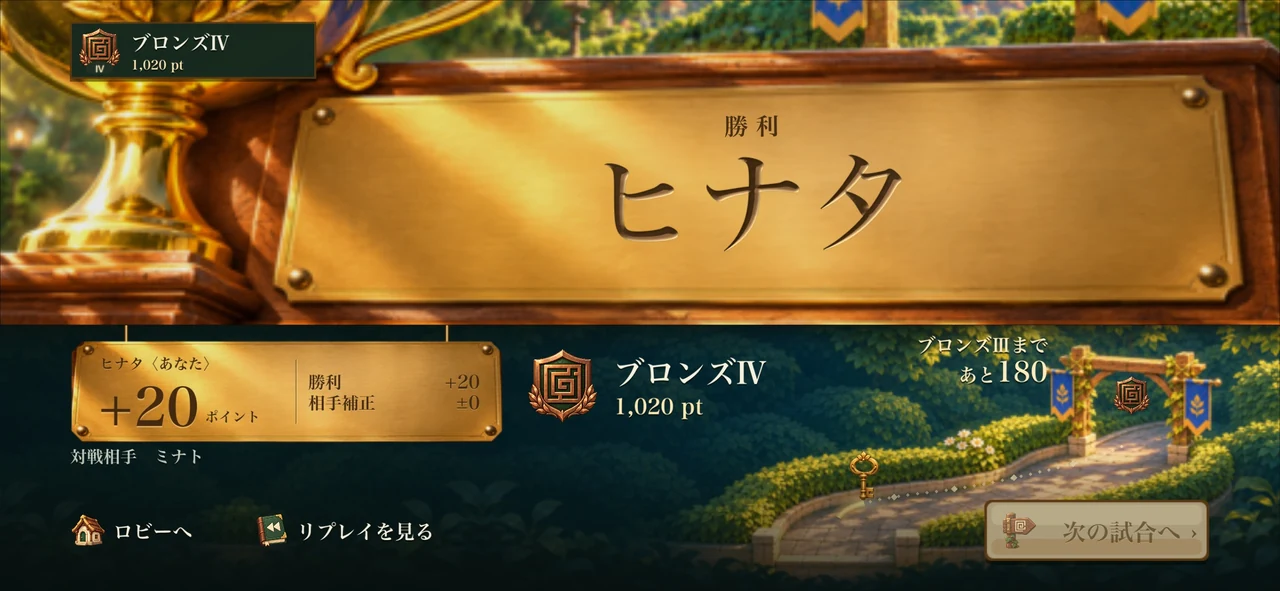
PLUS
In team play, work together on keys and the door
Team play pits one maker against three seekers. The maker has a shared 90 seconds to prepare paths, traps and three keys. Seekers share exploration records and can split up to search.
The door appears once all three keys are collected. Unlocking begins automatically when everyone holding a key gathers in front of it. If one person holds multiple keys, that person must be there too.
After the door opens, one seeker reaching the goal wins for the whole team. The maker wins by defending the exit until time runs out. Use preset comments to announce a key or ask everyone to gather.
Read the full team-play rulesBEFORE YOU PLAY
A few things to know before you play
When life is used
Normally, a ranked match uses one life when it starts. Waiting, cancelling before the match starts and playing with friends do not use life.
Account linking is optional
You can play without linking an external account. See Support for ways to transfer your record and optional Game Center linking.